Email Signatures
Uniform email signatures are a vital part of CBU’s collective identity. Here’s why:
Consistency Builds Trust: Just as a consistent visual identity builds brand recognition, a standardized email signature ensures that every communication reflects the same professionalism and coherence. When every employee signs off with the same design, it reassures your clients and partners that your organization is unified and reliable.
Reinforcing Brand Identity: Every email is a touchpoint with your audience. A uniform signature serves as a constant reminder of who you are—your values, your style, and your commitment to quality. It’s like having a mini advertisement appended to every message.
Simplicity and Clarity: In design, simplicity is key. A clear, well-crafted email signature eliminates unnecessary clutter, making it easier for recipients to identify contact information and important details. This clarity is essential in communicating professionalism and efficiency.
Professionalism and Attention to Detail: Standardized email signatures signal that your organization pays attention to detail. Just as great design demonstrates thoughtfulness and care, so does a consistent email signature. It reflects an organization that values its image and is dedicated to maintaining a polished, professional presence.
Signature Layout
In effort to standardize and unify CBU email signatures, the Department of Marketing and Communication have designed the template and worked with the Information Technology Services (ITS) team to create an automated process for the end user.
Because many of the data fields are automated, it is crucial that your digital employee profile with ITS is up to date. See the list of fields below and an explanation of how they are populated.
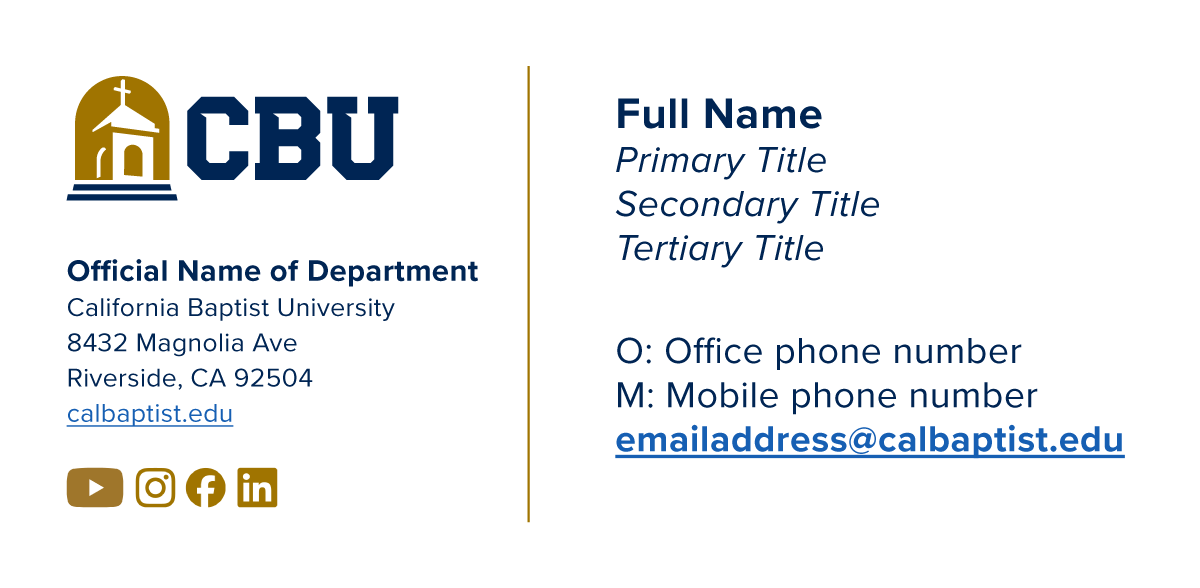
Institutional Email Signature Template
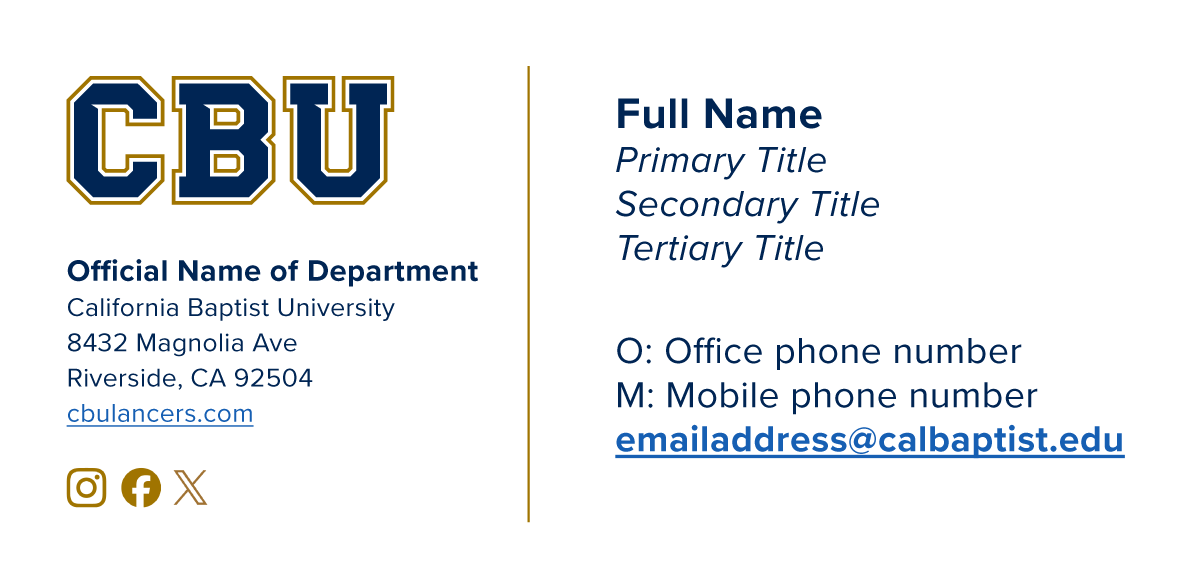
Athletics Email Signature Template
-
Only two logos are available - Institutional/University and Athletics. The correct logo depending on your assigned department will be automatically applied.
-
The official name of your assigned department will be automatically applied. For example:
Athletics
College of Behavioral and Social Sciences
Dr. Robert K. Jabs School of Business
Enrollment Services
Marketing and Communication
Natural and Mathematical Sciences
Office of Student Success
-
Depending on your department, the URL will hyperlink to the parent homepage for the university or athletics.
-
By default, these icons will link to the main social media profile(s) of either the institution or athletics.
-
Your full name and honorifics will be automatically applied.
-
In the event that you have multiple titles, they will be listed on separate lines in their appropriate order.
-
The phone numbers of your preference will be shown here automatically.
-
The email address you were assigned will be automatically listed here.
Usage Guidelines
The email signature has been deliberately standardized/templated to enforce brand consistency through simplicity, clarity, and professionalism. Following the guidelines below are imperative to ensure that as our institution continues to grow, we present a harmonious, unified front to our audience and stakeholders.
1. Be professional
Use the pre-designed email signature as-is and do not any additional elements on your own.
Any exceptions must be pre-approved in advance by the Department of Marketing and Communication.
2. Contact the help desk if you see an error in your email signature
Errors mean there is incorrrect/outdated data on your employee profile. These cannot be changed manually and must be resolved by the Information Technology team. Please open a ticket with the Help Desk to get started.